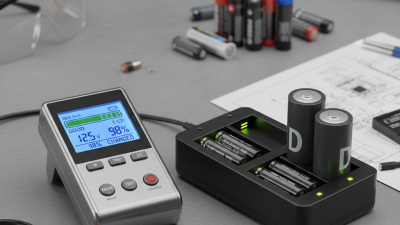
How to Use a Battery Health Checker for Better Performance?
In today’s tech-driven world, maintaining optimal device performance is essential. Many users overlook one critical component: battery health. Expert James Porter, a renowned battery technician, states, "A healthy battery is the heart of any device." This simple truth emphasizes the vital role of tools like a Battery Health Checker.
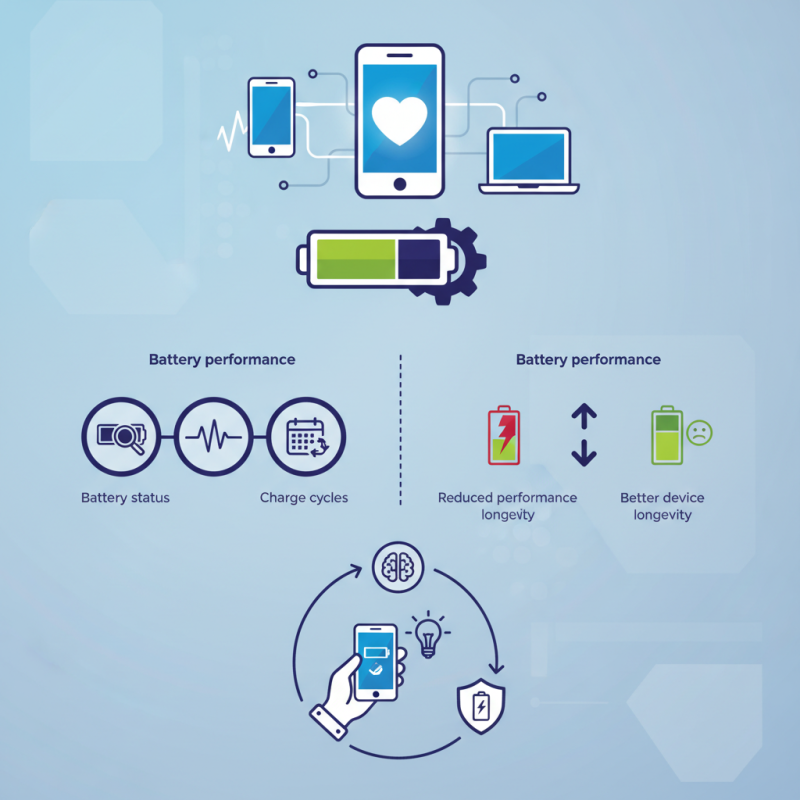
Using a Battery Health Checker can extend the lifespan of your devices. It provides insights into battery status, charge cycles, and potential issues. However, many users may underestimate its importance or misuse it. Some might think they don’t need regular checks. Ignoring battery health can lead to unexpected shutdowns and reduced performance.
Innovative battery checkers have improved significantly. They offer simple usability and accurate feedback. Yet, one must critically evaluate the information they provide. Relying solely on digital tools without understanding their findings can be misleading. Adopting a proactive approach ensures better device longevity and performance.
Understanding Battery Health: Importance for Device Performance
Understanding battery health is essential for maintaining device performance. A healthy battery ensures that your device runs efficiently and lasts longer between charges. It directly affects everything from speed to the lifespan of your device. Over time, batteries degrade, leading to decreased performance and shorter usage times. By regularly checking your battery health, you can proactively address issues before they become critical.
Tips: Keep your device updated. Software updates often include fixes that improve battery performance. Reducing screen brightness can also extend battery life, allowing your device to work more efficiently.
It’s common to overlook battery maintenance. Many users only notice issues when their devices are struggling. Check your battery's health occasionally. You might find surprising results. Sometimes, too many background applications drain your battery without you knowing. Taking a moment to assess battery health can greatly benefit your experience.
Key Parameters of Battery Health Checkers You Should Know
Battery health checkers are essential for maintaining device performance. Understanding key parameters ensures you can effectively assess battery health. Most checkers provide insights into capacity, voltage, and cycle count.
Capacity indicates how much charge the battery can hold, usually expressed in milliampere-hours (mAh). It directly impacts your device's runtime. A significant reduction, say over 20%, can imply that the battery is aging. Voltage, measured in volts (V), reflects the battery's current state. Ideal voltage levels ensure the device operates as intended. Operating below the normal range may cause performance issues.
Cycle count measures the number of complete charge-discharge cycles the battery has undergone. According to industry reports, lithium-ion batteries typically last around 300 to 500 cycles. After this threshold, performance decreases noticeably. Users often overlook these details. Checking these parameters regularly can help identify potential performance drops early. Accordingly, timely battery maintenance is crucial for optimal device longevity.
How to Use a Battery Health Checker for Better Performance?
| Parameter |
Description |
Importance |
| Cycle Count |
The number of complete charge and discharge cycles. |
High cycle count indicates battery wear. |
| Capacity |
Current usable capacity compared to the original capacity. |
Lower capacity can lead to shorter usage time. |
| Voltage |
Current voltage in comparison to the nominal voltage. |
Significant deviation may indicate issues. |
| Temperature |
Current temperature of the battery during use. |
Extreme temperatures can affect battery life. |
| Health Status |
Overall health assessment of the battery. |
Crucial for understanding battery performance. |
How to Interpret Battery Health Readings Effectively
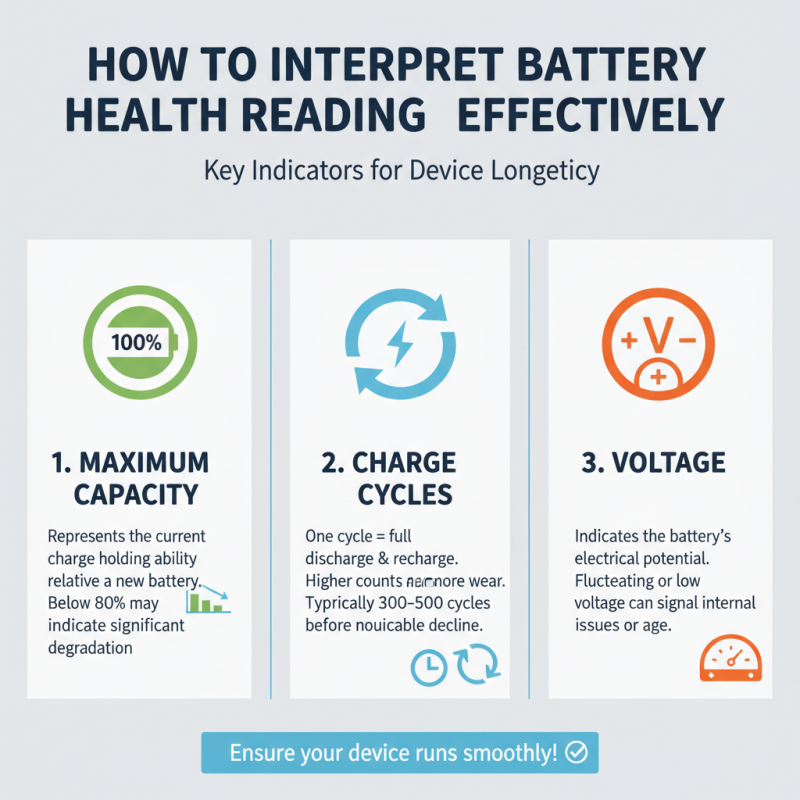
Understanding battery health readings can feel overwhelming. Yet, it's essential for ensuring your device runs smoothly. When you check your battery's health, look for specific metrics. Key indicators include maximum capacity, charge cycles, and voltage. These figures offer insight into your battery’s condition.
Maximum capacity reflects the current charge your battery can hold. A significant drop from 100% means your device might not last as long between charges. Charge cycles show how many times you've fully charged the battery. A higher number indicates a well-used battery, which could affect performance. Voltage readings also matter; they indicate whether your battery is functioning within normal parameters.
Interpreting these numbers requires some context. If your maximum capacity is below 80%, it might be time for a replacement. Additionally, if the charge cycle exceeds 500, consider adjusting your charging habits. Sometimes, even minor adjustments can extend battery life. Evaluating these readings not only helps maintain performance. It also guides you in making informed decisions about your device management.
Tips for Maintaining Optimal Battery Health Over Time
Maintaining optimal battery health is crucial for ensuring the longevity and performance of your devices.
According to a report by the International Energy Agency, battery efficiency can decline by up to 20% after just one year of regular use.
To combat this drop, consider routinely checking your battery health with reliable tools. These health checkers can provide insights into your battery's state of charge and capacity, allowing you to monitor any significant declines over time.
Regular charging habits play a significant role in battery maintenance. Experts recommend keeping your device charged between 20% and 80% to prolong battery life.
Deep discharges can strain lithium-ion batteries, leading to reduced lifespan. Additionally, temperature management is vital; batteries perform best at moderate temperatures.
Keeping your device out of extreme heat or cold can prevent unnecessary wear. A study from Battery University highlighted that heat can reduce battery capacity by up to 30% over a few charge cycles.
It's important to acknowledge that software updates may impact battery performance. Some users report that newer updates can drain batteries faster than previous versions.
While updates often improve device functionality, they can introduce new energy demands.
Monitoring your battery's behavior post-update can provide insight into how changes affect performance.
Over time, implementing these habits can enhance your battery's resilience, but inconsistencies and unexpected drops may still occur, necessitating regular evaluation.
When to Replace Your Battery Based on Health Diagnostic Results
When assessing battery health, it's crucial to understand the diagnostic results. A battery's performance can degrade over time due to various factors. Regular checks can reveal insights about battery capacity and overall health. If you notice a significant drop in performance, it might be time to consider a replacement.
Indicators for replacing your battery include rapid draining or swelling. A battery with less than 80% health is often no longer reliable. If your device struggles to hold a charge, that’s a red flag. Diagnostics can sometimes show a slow decline, but sudden changes should not be ignored. Pay attention to how your device behaves; it’s often a reflection of the battery's condition.
The ideal moment for replacement can vary. If diagnostics indicate a decline but performance seems acceptable, you may wait. However, consider potential risks. An aging battery may fail unexpectedly. Knowing when to act can save you future inconvenience. A proactive approach to battery health can extend device life.

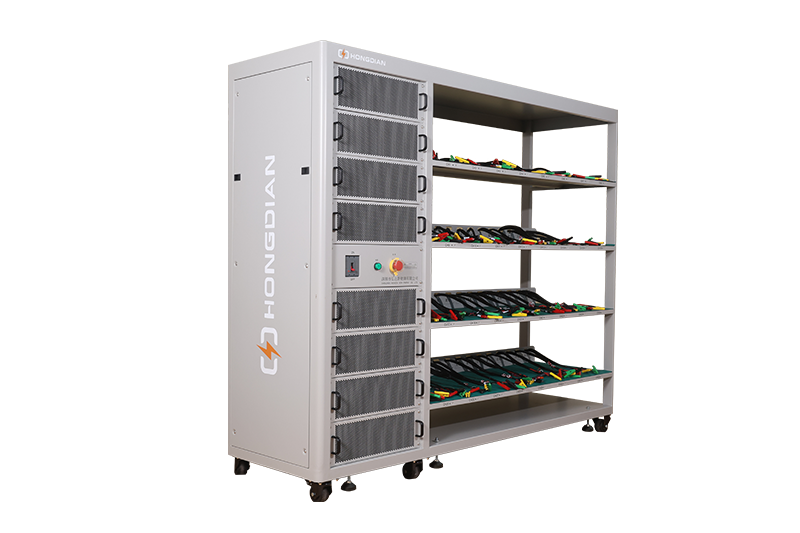 32/48 channel battery charging and discharging test integrated battery cabinet
 40 channel battery charging and discharging test integrated battery cabinet
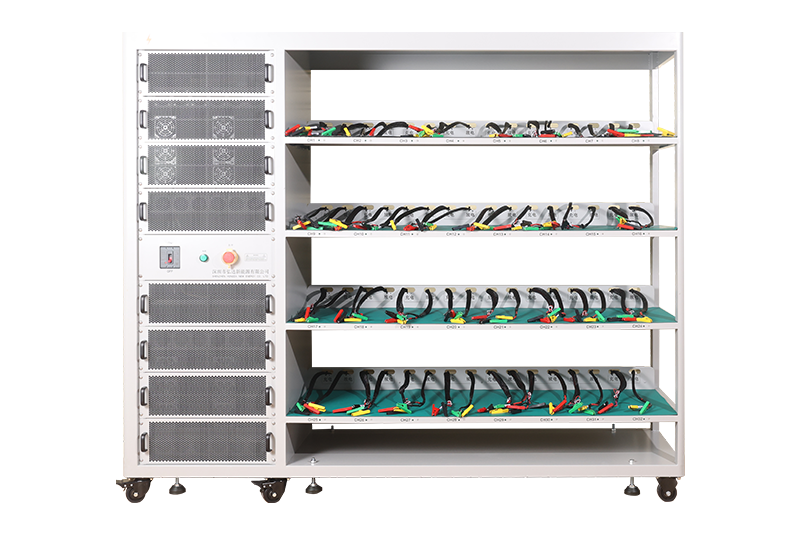 64 channel battery charging and discharging test integrated battery cabinet
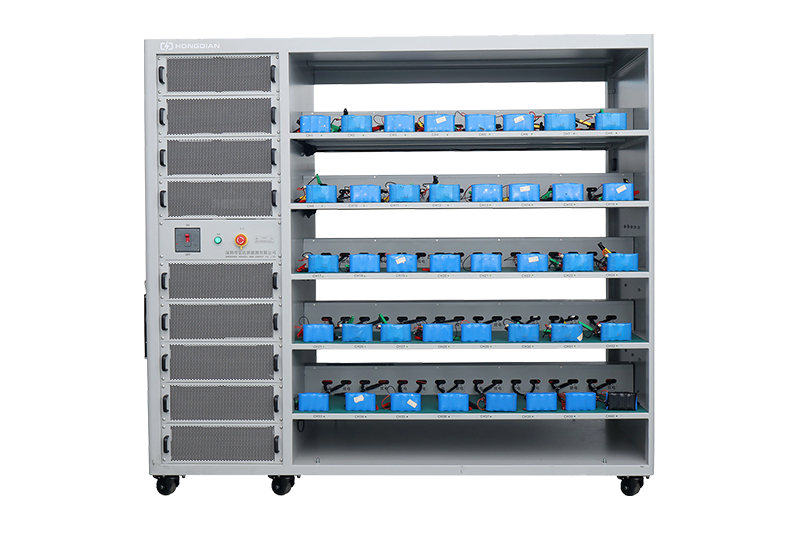 80 channel battery charging and discharging test integrated battery cabinet
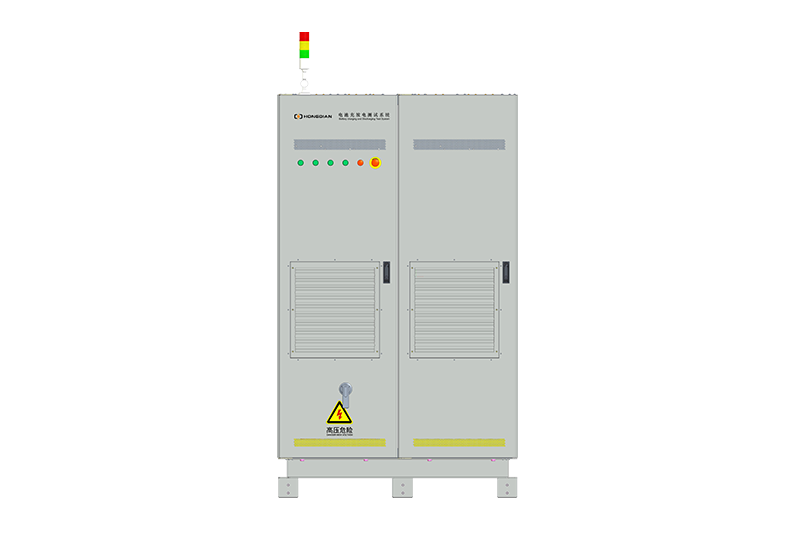 1000V-1500V High Voltage High Current Battery Testing System
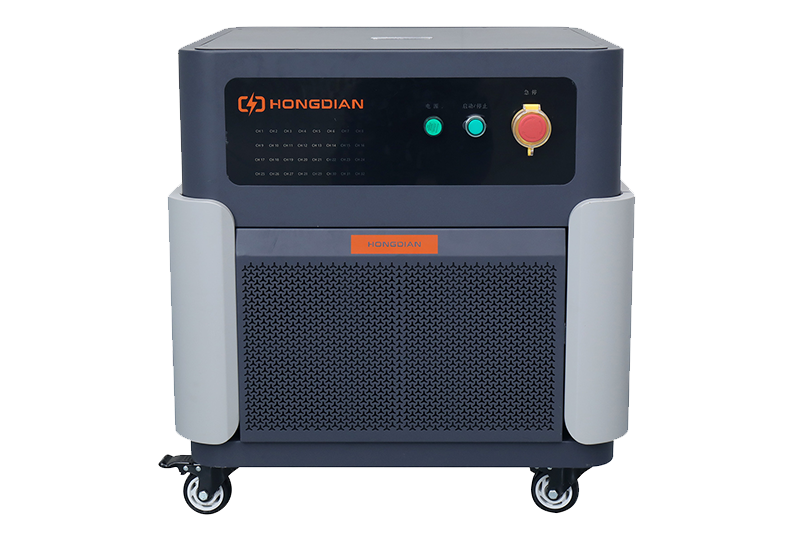 High-Precision Battery Testing System for Enhanced Performance Monitoring 30V/60V/100V/120V
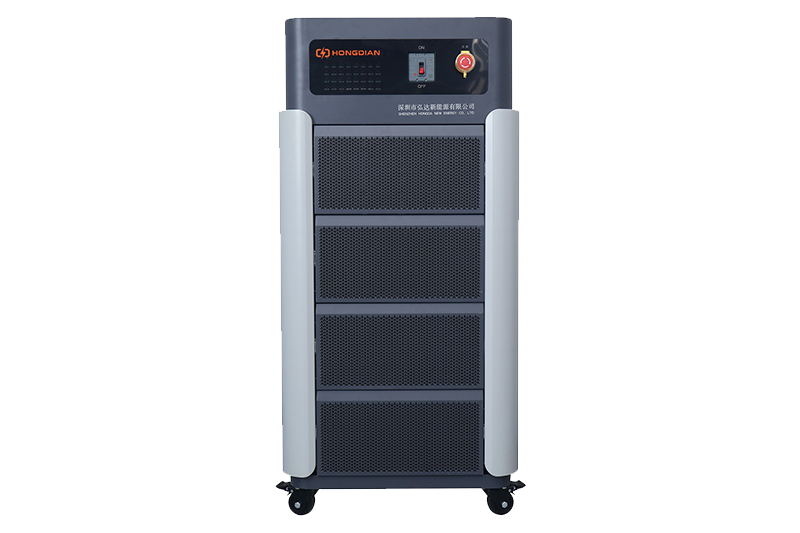 High-Precision Battery Charge Discharge Test Systems for EV Manufacturers
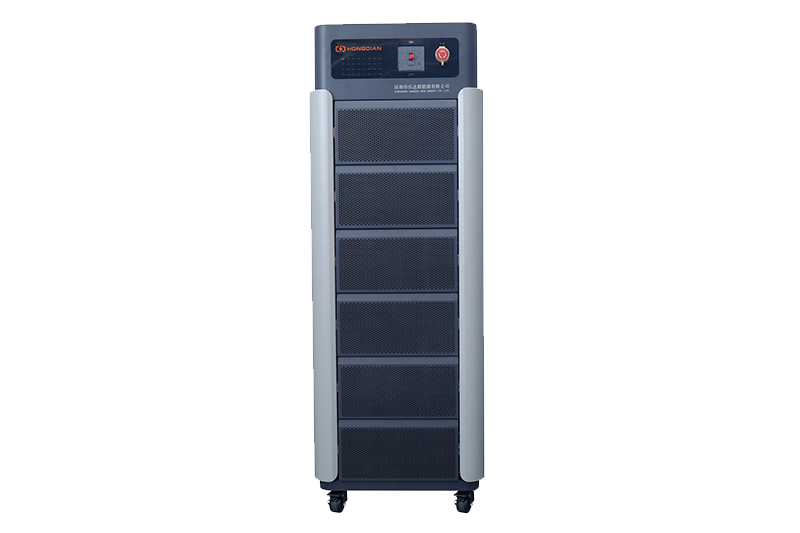 Precision Battery Test Racks for Cell Capacity & Internal Resistance Measurement
 Multi-Channel Battery Testing Equipment for Parallel Performance Analysis